
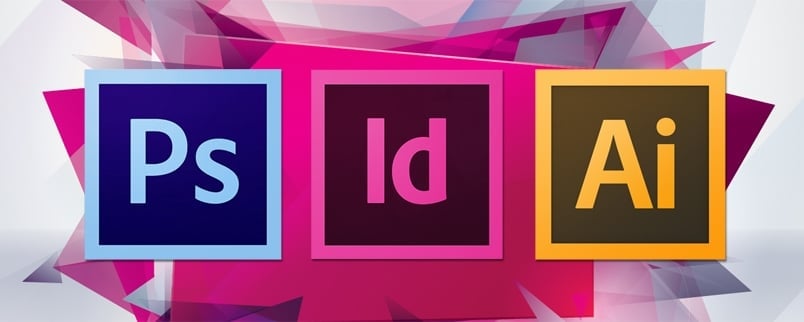




You have an option to edit your artwork with the help of different software. Some of the most prominent ones include the following
Adobe InDesign
Adobe InDesign is one of the most popular desktop software applications that is used to create color books, magazines, catalogs, brochures, posters, flyers and much more. At Qin Printing, we recommend using Adobe InDesign to edit your artwork for excellent printing results.
Adobe Illustrator
Adobe Illustrator uses vector graphics to create posters, flyers, and brochures. One of the best things about Illustrator is that any of the vector graphics created by it can be scaled to your desired size and that too without reducing quality or resolution.
Adobe PhotoShop
Adobe Photoshop is a great tool to create and edit pictures, but as far as editing texts is concerned, Photoshop must be avoided.

QuarkXPress
As far as handling large workflows for the editing of artwork is concerned, QuarkXPress is a preferable choice.
Microsoft Word
Although Microsoft Word is not professional print media software, it is best for doing office documents and offset printing.
